The Nextdoor App for Business — manage your neighborhood from anywhere.
Run your entire Nextdoor presence from your pocket. Whether you're using Nextdoor for Android or iOS, here's how to use the mobile app to drive real local growth.
Built for the operator, not the marketer.
The Nextdoor app puts your Business Page, recommendations, messaging and ad performance in one place. It's designed for local owners who manage their business while also running it.
- Manage your Business Page on the go
- Reply to recommendations within minutes
- Run Local Deals & Nextdoor Ads from your phone
- See nearby Neighborhood activity in real-time
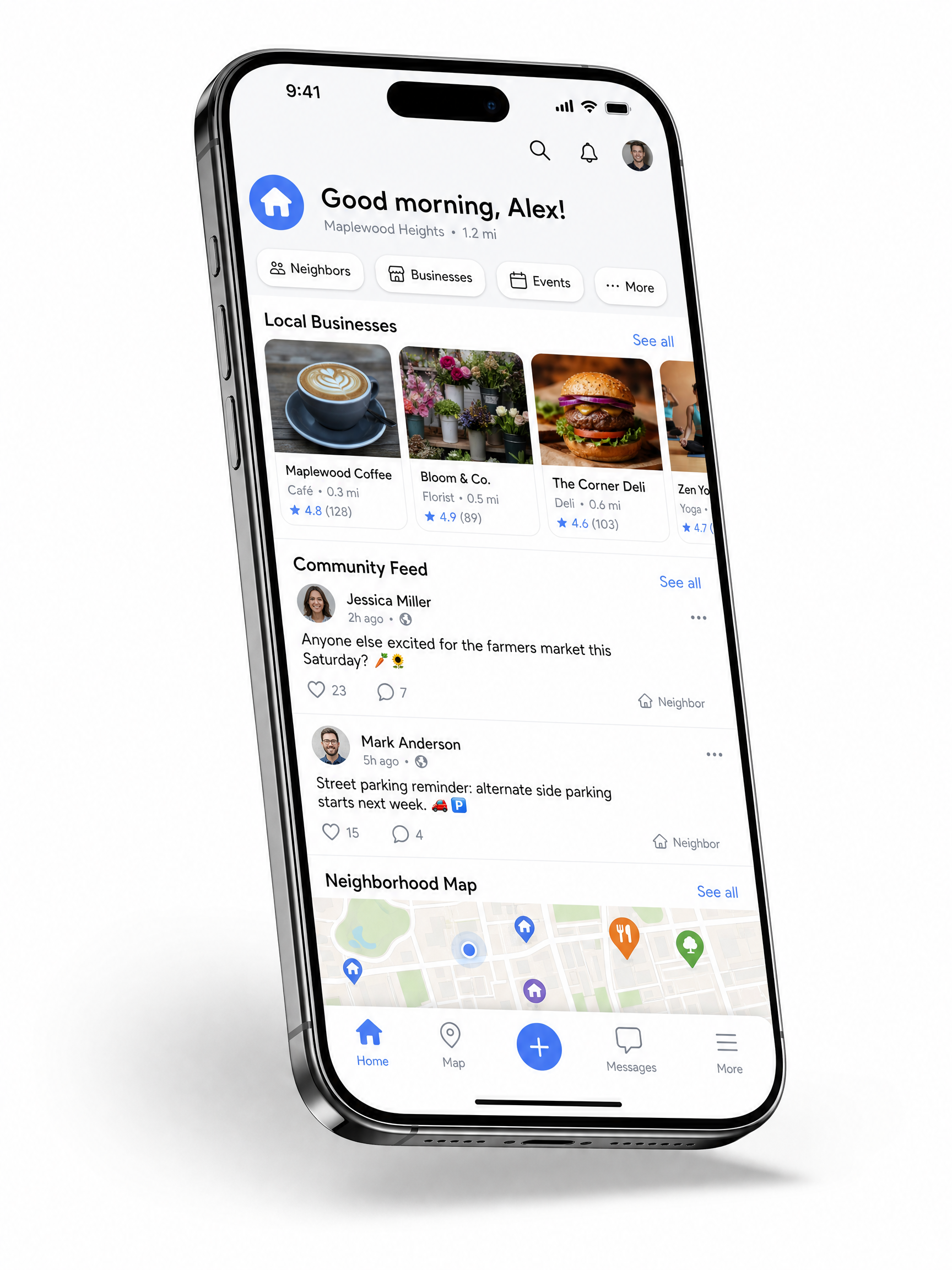
Everything you can do from the Nextdoor app.
Real-time alerts
Push notifications when a neighbor mentions your business, asks for a recommendation, or tags your category.
Reply on the go
Respond to recommendations, messages and posts from your phone — within minutes, not days.
Post & promote
Publish updates, photos, offers and Local Deals from anywhere on iOS or Android.
Performance dashboard
Track impressions, clicks, calls and recommendations directly inside the mobile app.
Neighborhood reach
See the exact Neighborhood pages where your content is appearing each week.
iOS & Nextdoor for Android
Native apps on both platforms — fully optimized for one-handed daily management.
Nextdoor for Android: setup in 6 steps.
The Android experience is fully featured and identical to iOS. Here's the optimal setup we use with every client.
- 01
Download the Nextdoor app from Google Play.
- 02
Sign up using your business owner account (not a personal one).
- 03
Verify your business address using the in-app prompts.
- 04
Switch to Business Mode in Settings.
- 05
Complete your Business Page — categories, photos, hours, services.
- 06
Enable push alerts for messages and category mentions.
We will set up your Nextdoor app — properly.
Most owners miss critical settings inside the Nextdoor app. We do the full setup with you in under 45 minutes.